0. 搭建环境
需要环境:Git、Node.js
使用编辑器:VSCode
1.Git 环境配置
1 | # 推送当前文件夹所有文件 |
2.Node.js 环境配置
1 | # 更换 npm 镜像源 |
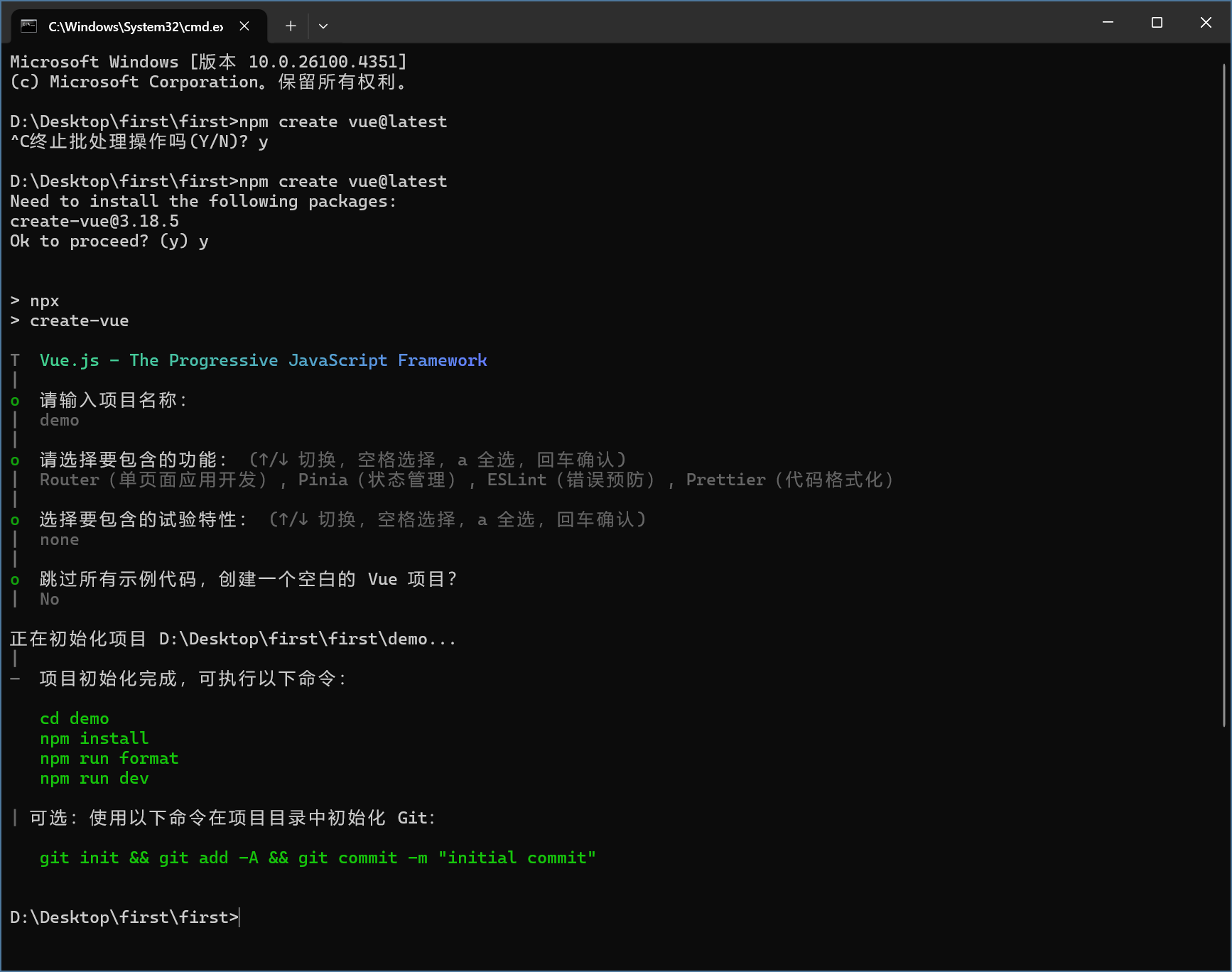
1. 直接使用 vue3 脚手架
1 | # vue3 官方最新脚手架 |
npm init -y 初始化项目
会生成 package.json 项目配置文件
npm i 默认下载package.json中所有依赖
npm run dev 跑
public favicon.ico 图标
assets 静态资源
components 组件
router “路由表”存储页面路径
stores 全局变量
main.js 入口文件
RouterView - 路由的出口
< RouterLink =超链接
1 | <script setup> 语法糖 |
console.log() - F12控制台打印